Applies to version: 2.3.10
1 min read
Updated: 17 November 2026
1. Activate the license
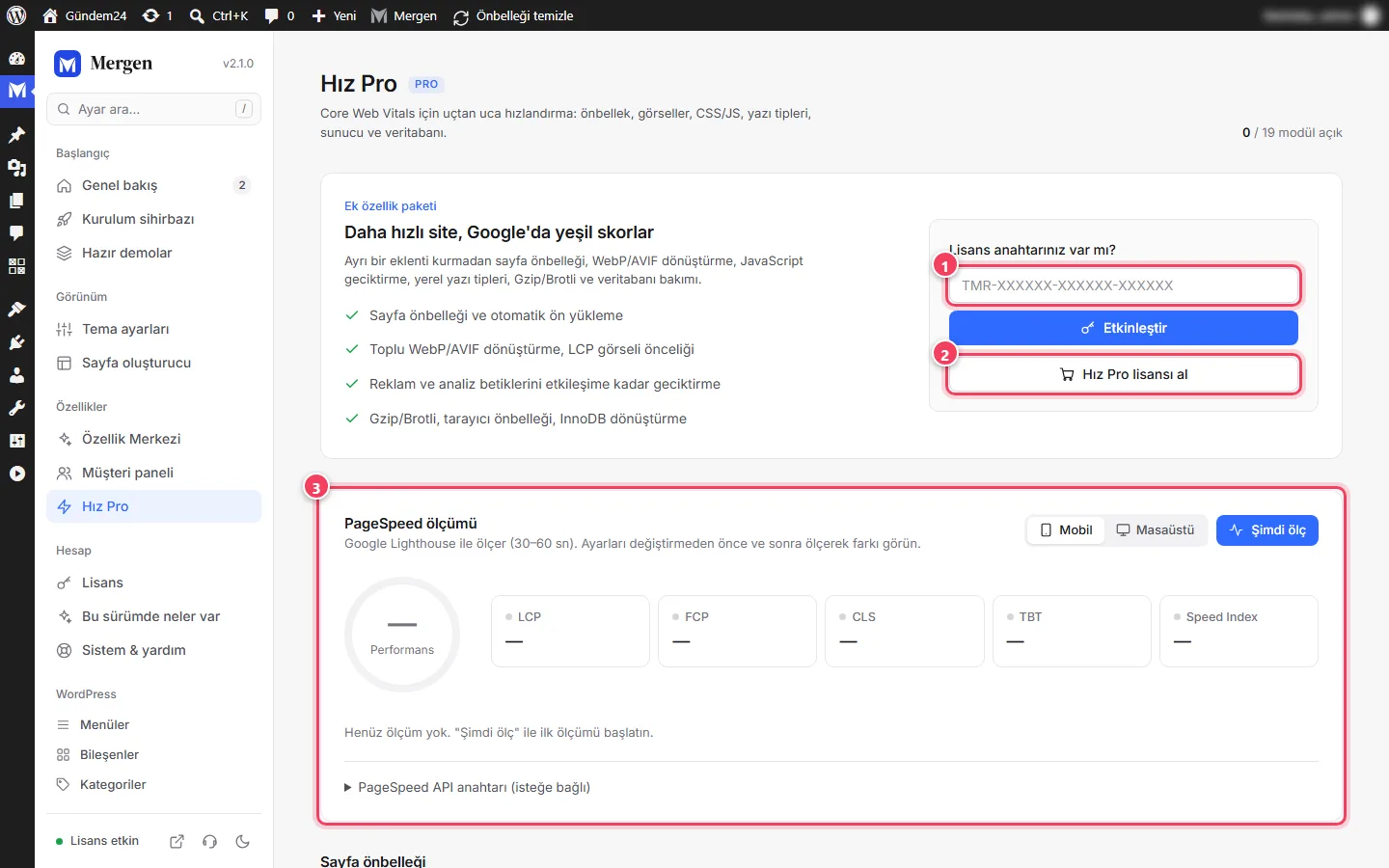
Open Mergen › Speed Pro from the left menu. If no license has been entered, an intro box reading "A faster site, green scores on Google" appears at the top.
Enter your Speed Pro key in the Have a license key? box (1) and click Activate.
If you don't have a license, Get a Speed Pro license (2) takes you to the purchase page.
Mergen › Speed Pro: (1) license key, (2) Get a Speed Pro license, (3) PageSpeed test. Turkish interface shown.
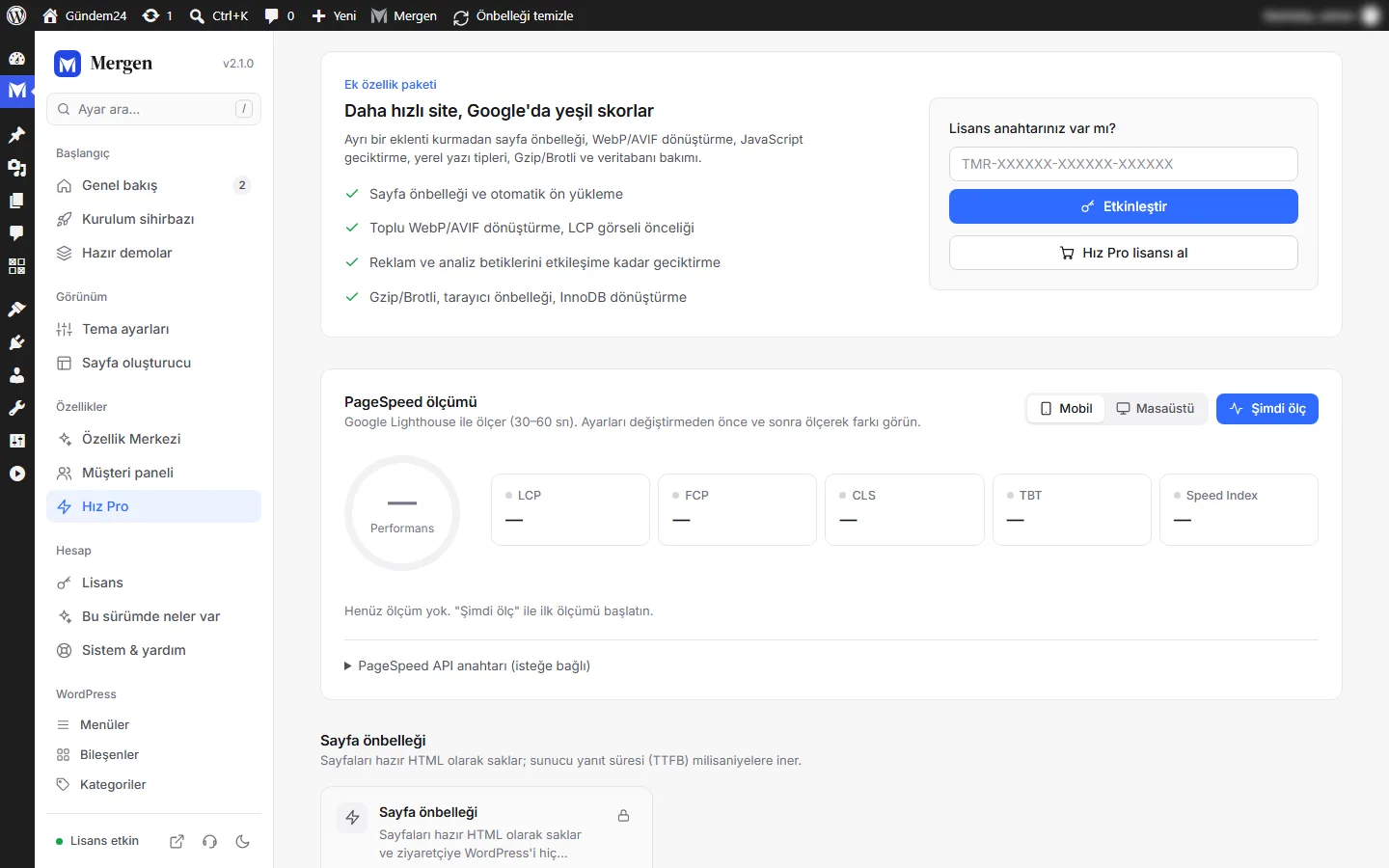
Once activated, "Speed Pro license active" appears at the top and the modules can be turned on. To move the license to another site, use Remove from this site.
Speed Pro license status. Turkish interface shown.